How it works Product Features

Budget Pro turns your budget into forward-looking financial projections. See accurate, up-to-date account balances months or years ahead — and understand the impact of your decisions before they happen.

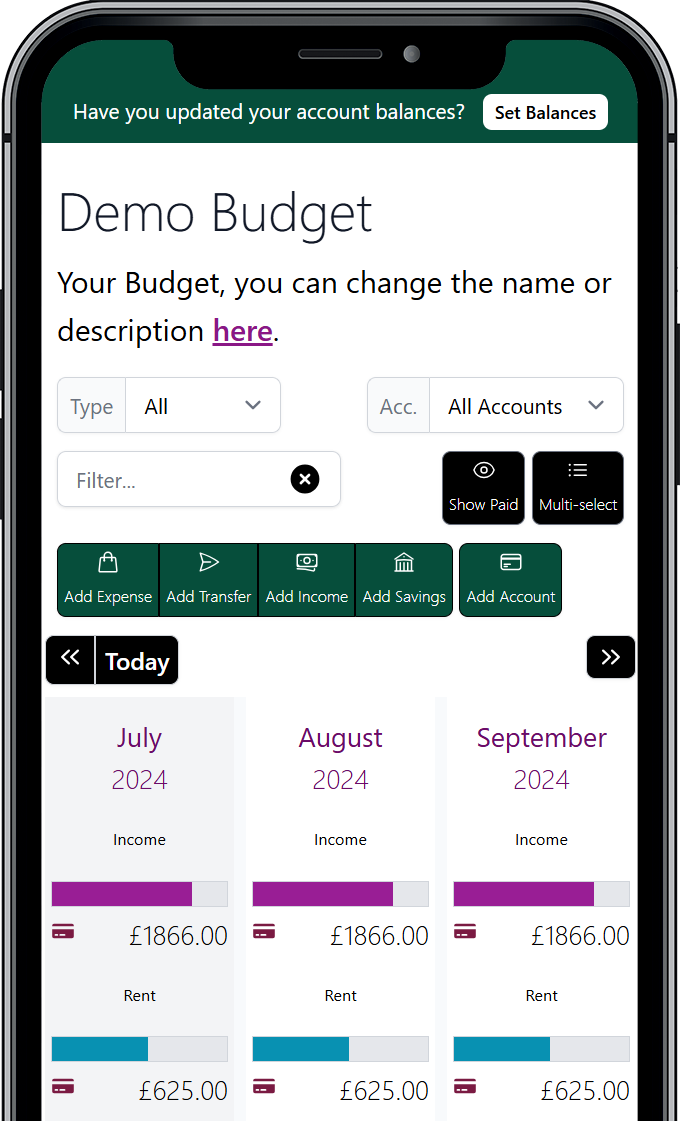
Track everything

Budget Pro doesn’t just log transactions — it models how your money moves.

Plan income, expenses, savings and transfers between accounts so your projections reflect your real financial flow. When every movement is accounted for, your future balances stay accurate.
Options for getting started with Budget Pro

Real-World Scheduling

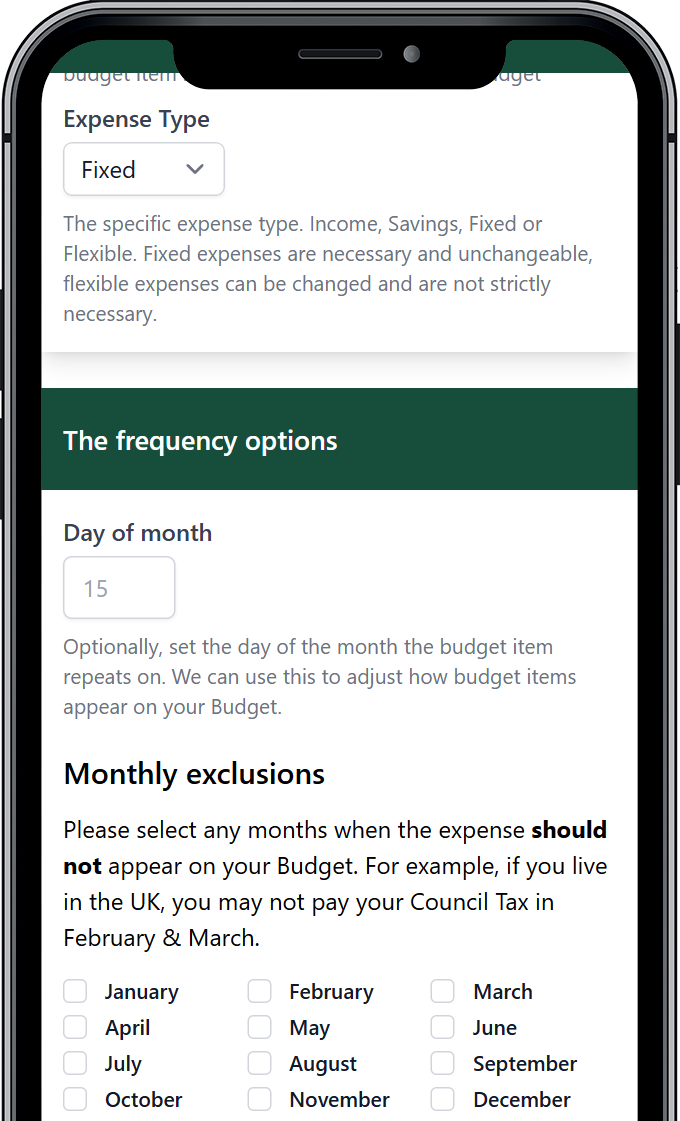
Accurate forecasts start with accurate schedules.

Budget Pro goes beyond simple monthly or annual rules, allowing you to model four-weekly payments, irregular income and custom exclusions. When your schedule reflects reality, your future projections stay reliable.

Options for getting started with Budget Pro

Plan Across Multiple Financial Scenarios

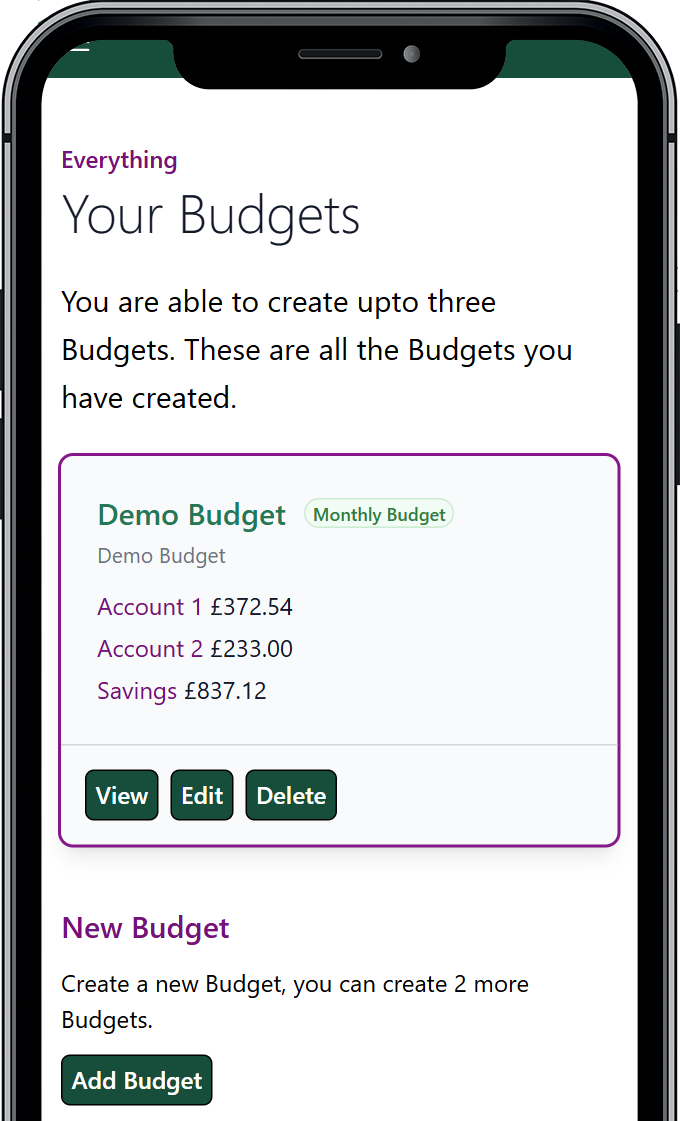
Create up to three separate budgets within Budget Pro — ideal for personal, business or side-project planning. Keep financial contexts distinct while maintaining clear, forward-looking control.

Options for getting started with Budget Pro

See the Impact of Every Category

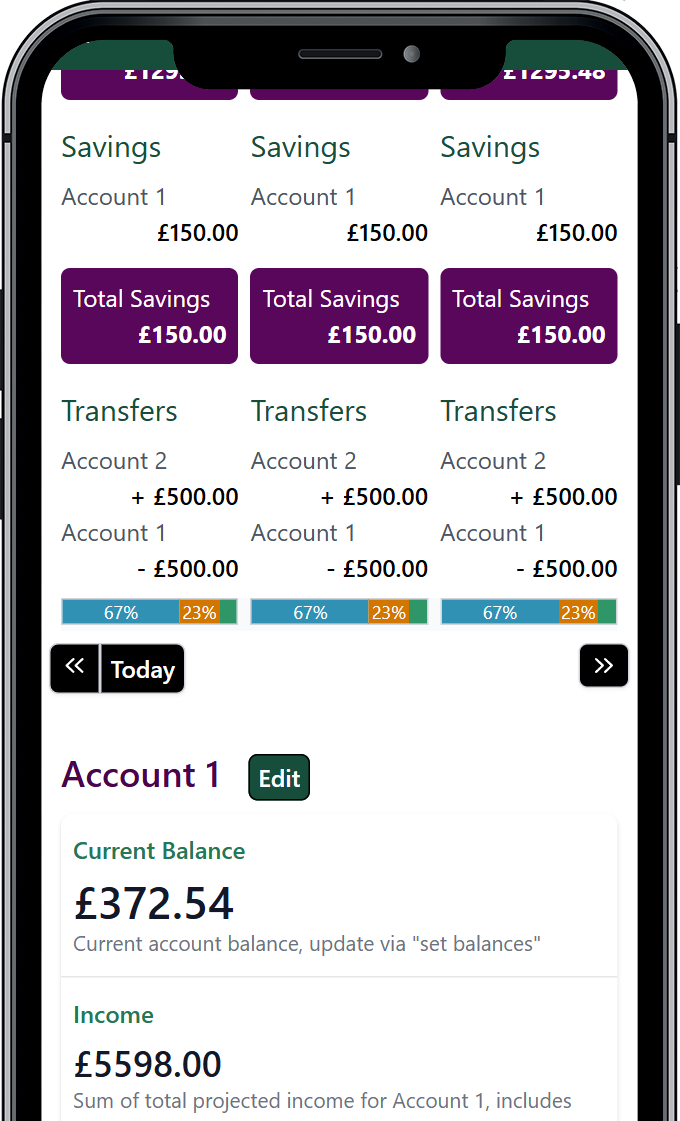
View each category as a percentage of your income and understand how it shapes your future financial position — not just past spending.

Options for getting started with Budget Pro

Keep Your Plan Accurate — Faster

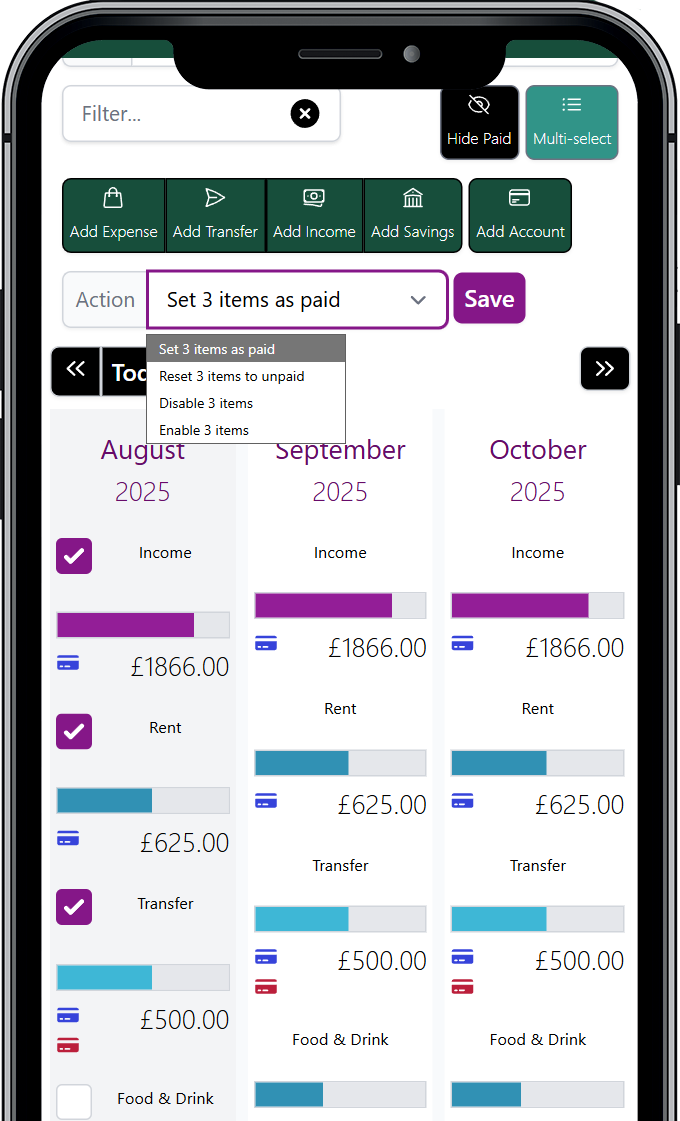
Update multiple budget items in one step. With batch actions, you can quickly mark items as paid, disable entries or adjust schedules — so your projections stay aligned when real life shifts.

Options for getting started with Budget Pro

Track Changes. Plan With Confidence.

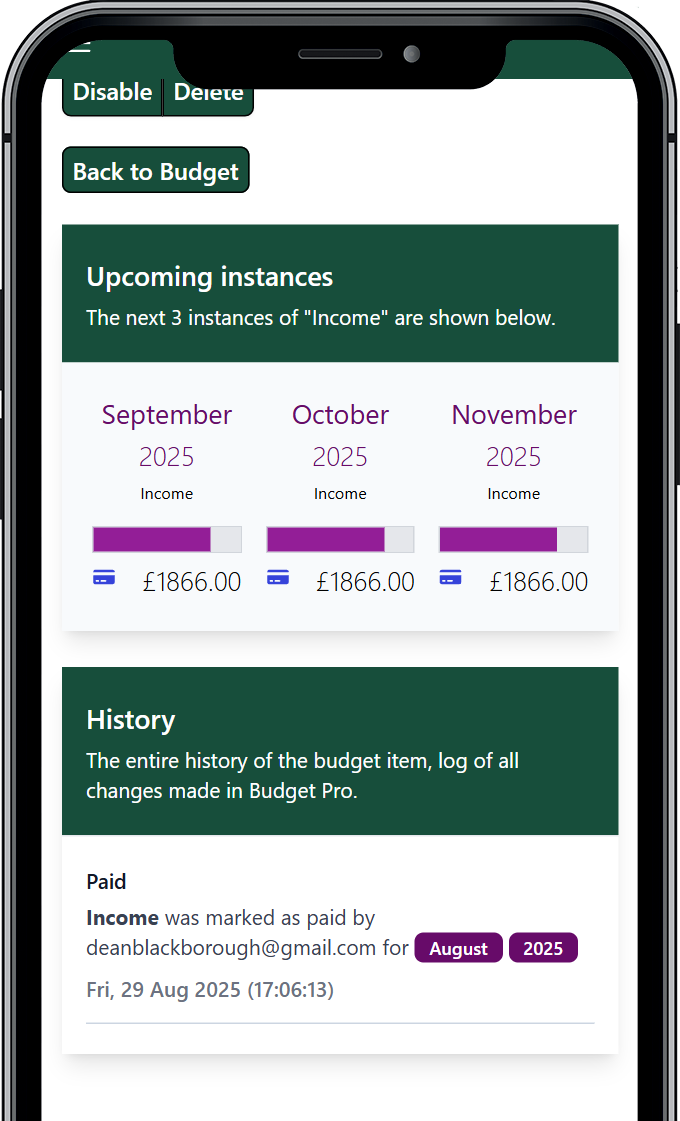
Every adjustment to your budget is recorded in a detailed audit log. Review what changed, when and why — so your future projections stay transparent, reliable and informed.

Options for getting started with Budget Pro

Adapt Your Plan When Life Changes

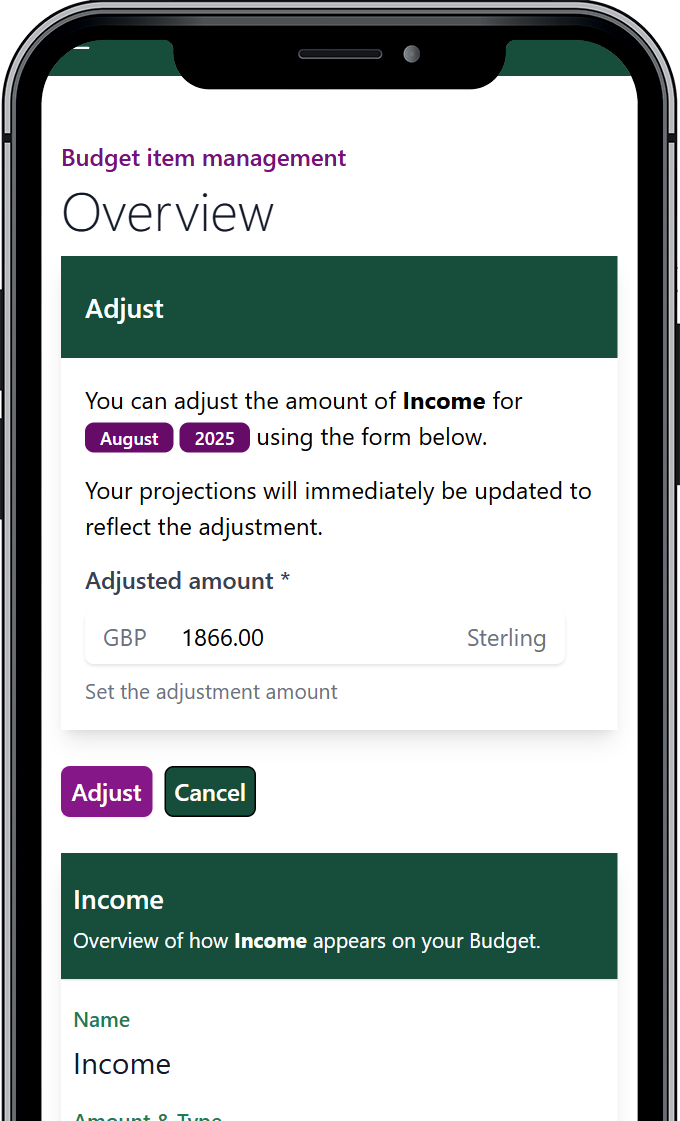
Override any budget item for a specific period. Whether you’re planning a holiday, handling irregular income or adjusting for a one-off expense, you can update your plan without breaking long-term projections.

Options for getting started with Budget Pro

Multi-Currency Planning

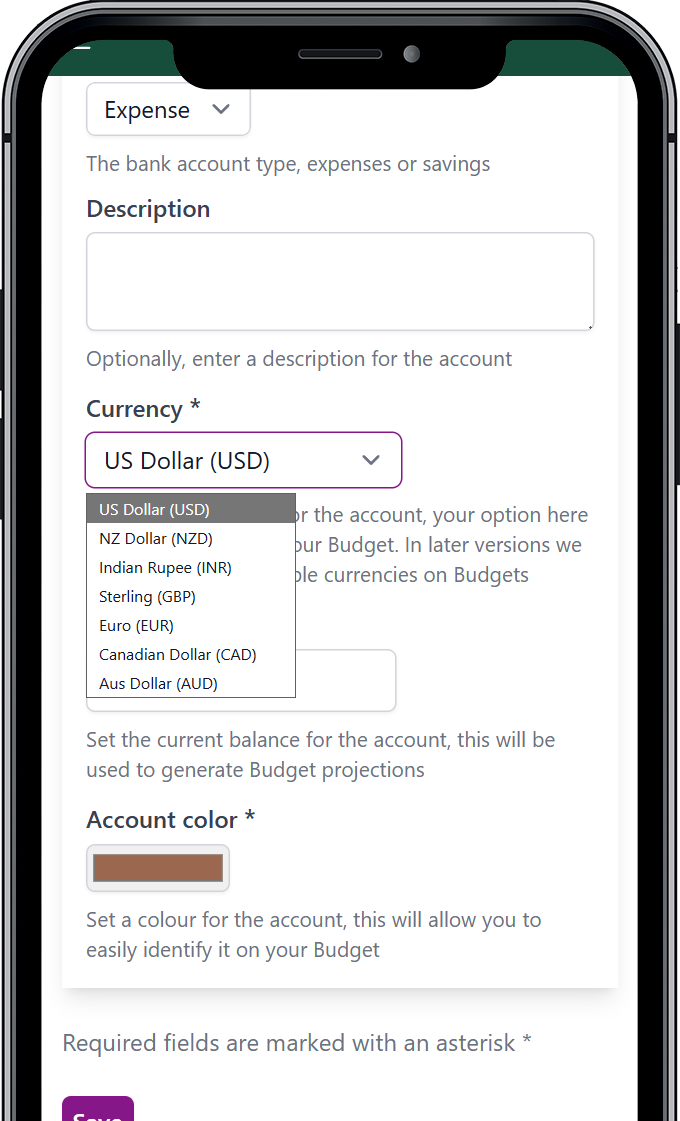
Budget Pro supports multiple currencies, allowing you to build accurate projections in the currency that reflects your real financial context.

Running separate personal and business budgets? Each can use its own currency — without affecting your planning accuracy.

Options for getting started with Budget Pro

Customise for Clearer Decisions

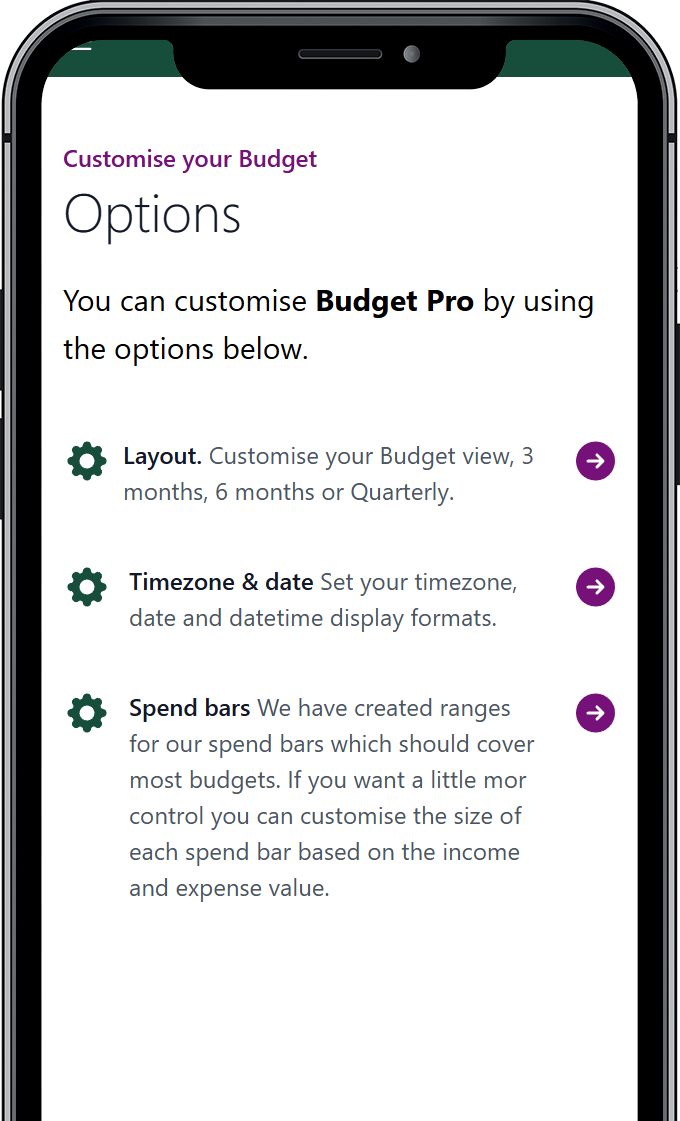
Adjust how your budget looks and behaves so the information that matters stands out. Control account colours, spending indicators and date formats to match how you think and plan.

Options for getting started with Budget Pro

Start Planning in Minutes

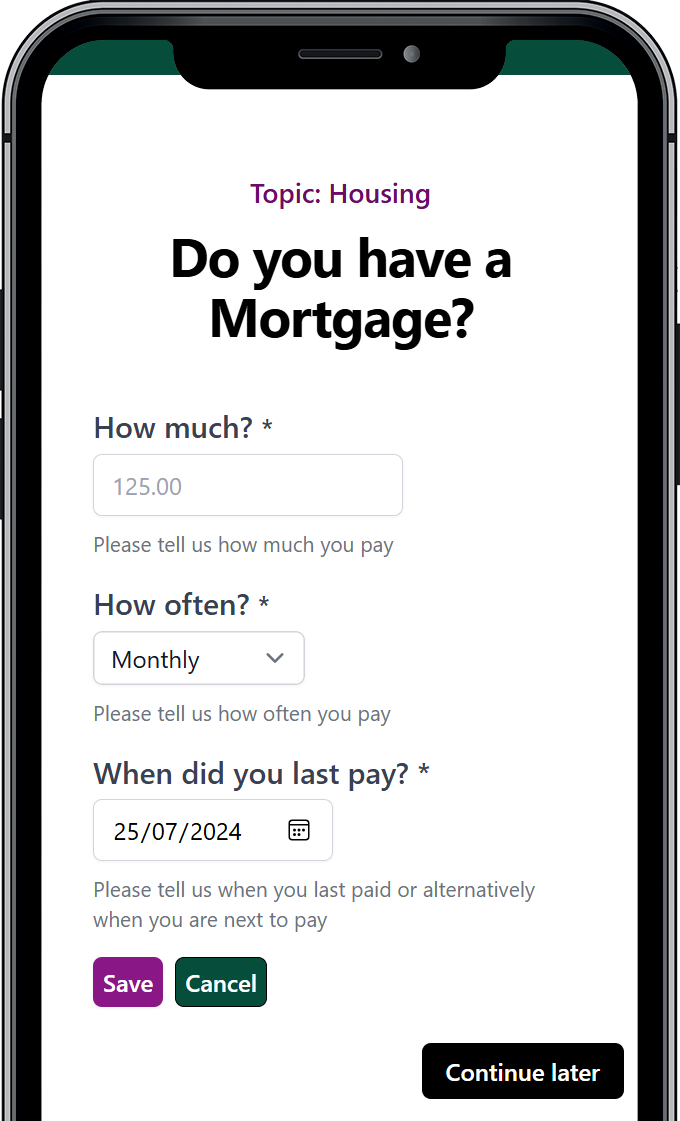
Budget Pro offers multiple ways to get up and running quickly. Use the guided setup tool, explore a live demo, or import your existing data from our free projection focused budgeting App.

Choose the approach that fits you and begin building accurate financial projections right away.

Options for getting started with Budget Pro